
Global Search
Package: BASIC
1. Global Search – General
The navigation bar contains a search field (input field), also referred to as the "Global Search", which can be used to search across all modules of brainX.
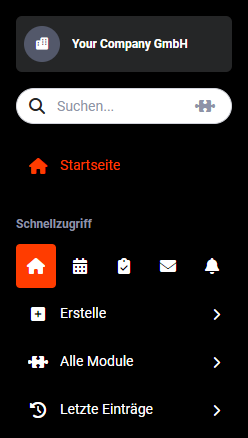 Global Search
The system starts searching for matches from the second character entered in the search field and displays them. The results list is narrowed further with each character entered. Depending on the module, records are searched for matches in fields such as first name, last name or the title/name of the record. The module icon is displayed before the entry in the results list.
If the searched record is already displayed in the results list, it can be opened directly in the detail view by clicking on it.
By pressing Enter, all search results are grouped and listed in a separate overview.
Depending on the number of records to be searched, searching across all modules may take a brief moment.
2. Module Selection for Search
To speed up the search or to search only specific modules, the module selection for the search can be configured.
After clicking the "Puzzle" icon, a popup window opens. Here, the modules to be searched can be marked by clicking on them. The modules selected for the search are indicated with a checkmark icon.
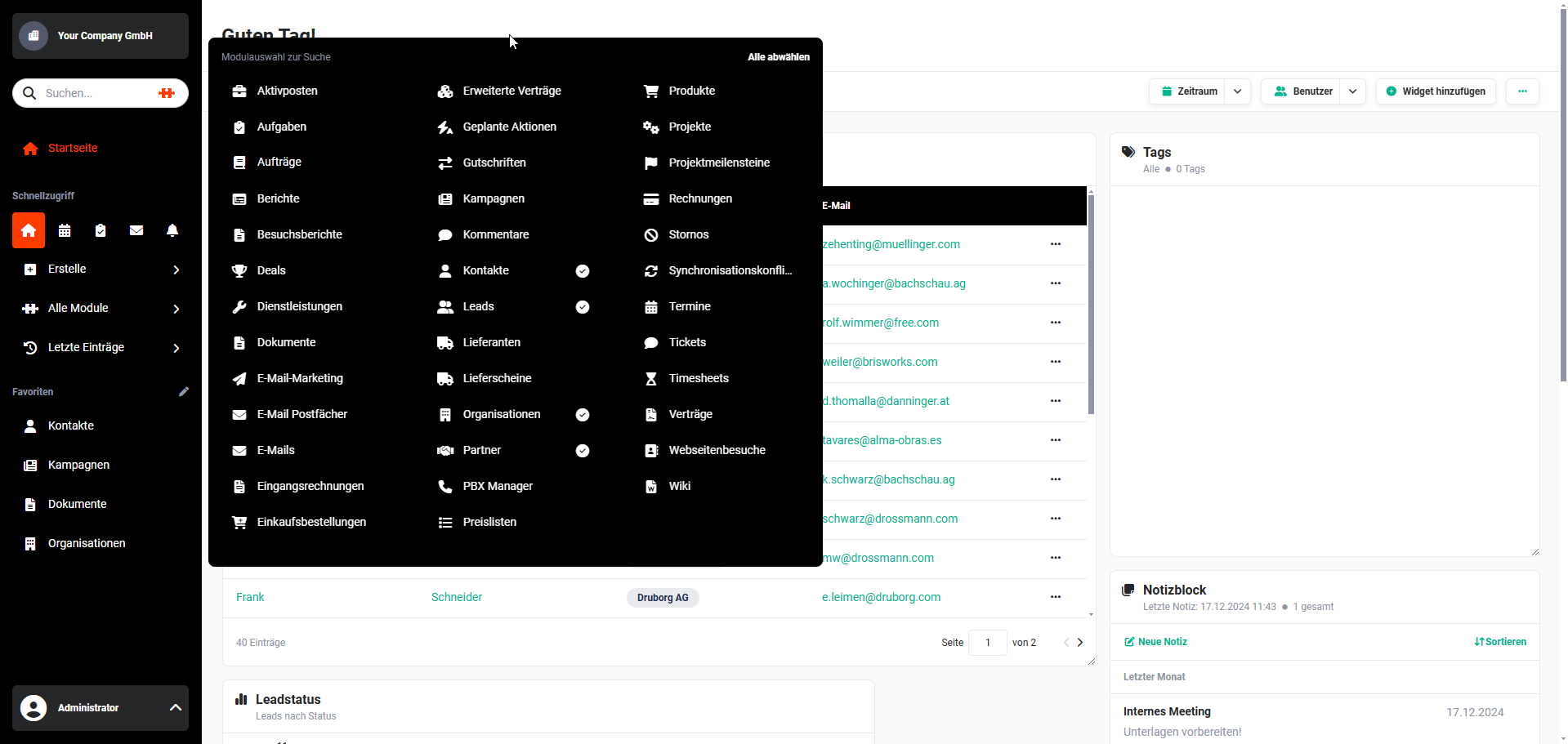 Module Selection for Search
To close the popup window and save the module selection, simply click outside the popup.
If modules have been selected for the search, this is also indicated visually: the "Puzzle" icon in the search field is no longer shown in grey but in colour.
Search results are displayed from the second character entered in a small flyout menu below the search field. The module icon in which a matching record was found is also displayed before the record name.
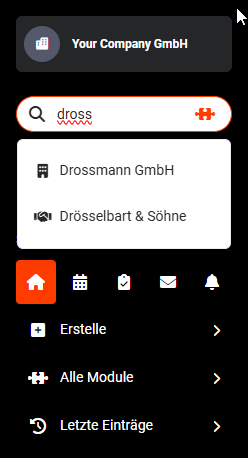 Search with Results
Matching records from the search results can be opened by simply clicking on them.
To change the module selection for the search, the popup window for selecting further modules can be reopened by clicking the "Puzzle" icon again.
To deselect all modules, simply click the "Deselect All" action link in the top right of the module selection popup.
The modules selected for the search remain saved until: a) a different selection of modules is made b) all modules are deselected