
Email Templates
Package: BASIC
1. General
Email templates allow you to create reusable templates for recurring email texts. If a template is linked to a module, placeholders from that module can be used, which are automatically populated with the values of the respective record when the template is loaded. Templates without module binding support general placeholders only.
A support employee frequently answers the same customer enquiries. They create an email template with a module binding to tickets, so that placeholders such as ticket number and customer name are automatically populated when the template is loaded.
An automation automatically sends an email to the customer after a new invoice has been created. A stored email template with a module binding to invoices is used as the email text, containing the invoice number and amount as placeholders.
Email templates are also used for Automations that send an email as an action.
2. Creating an Email Template
After clicking the “Create template” button in the list view of the Templates module, the “Select template type” popup opens.
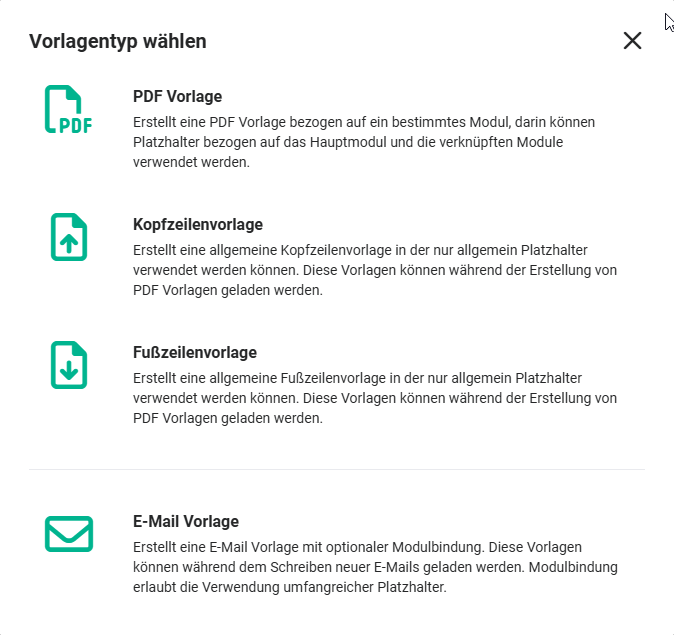 Select template type popup
After clicking the “Email template” template type, the creation view of a new record opens in the Templates module.
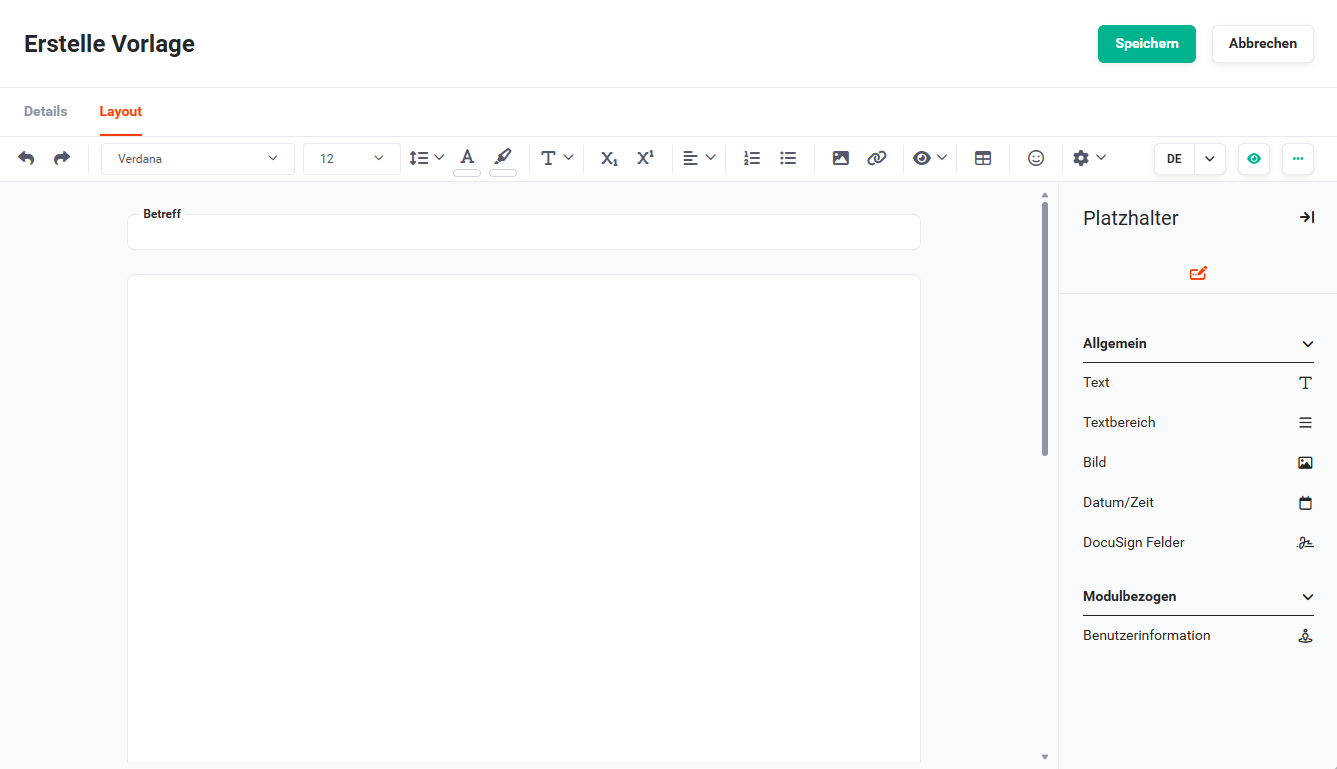 Email template creation view
The functionalities in the “Layout” tab largely correspond to those available for a PDF template.
Only single fields are available as placeholders. Accordingly, only the “Single fields” tab is displayed in the “Placeholders” sidebar.
Detailed information on the “Layout” tab and the “Placeholders” sidebar - or the “Single fields” tab - can be found in the linked sections.
3. Using an Email Template When Composing an Email
When creating a new email, an email template can be loaded using the “Templates” button.
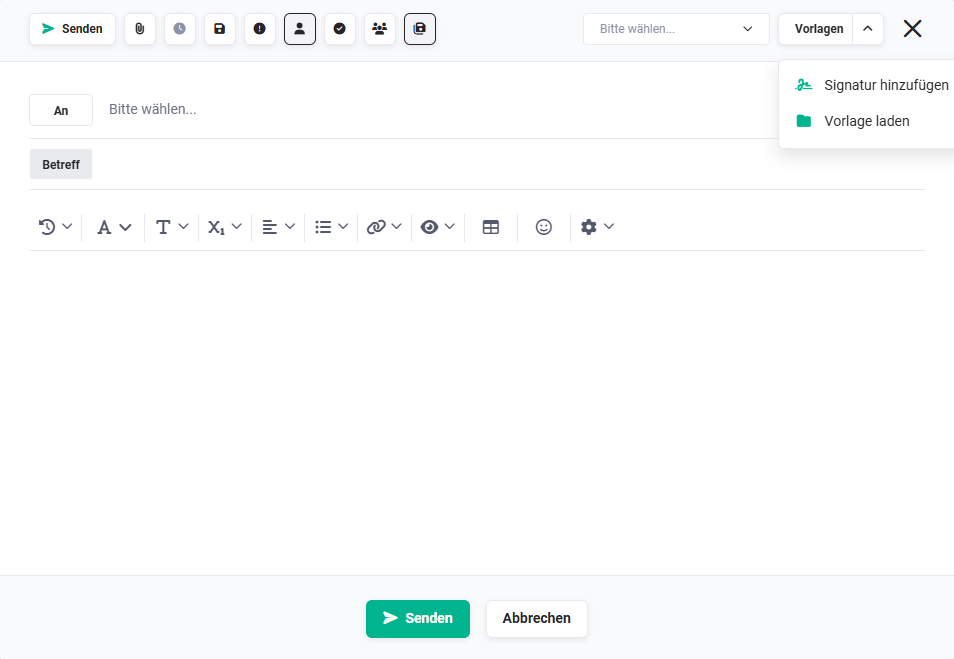 Email creation - Load template action
After clicking the “Templates” button, a flyout menu with the actions
- Add signature
- Load template
is displayed.
After clicking the “Load template” action, a popup of the same name opens, in which an email template can be selected.
4. System templates
4.1. Templates for subscriptions
Two system email templates are available for notifications to subscribers:
- Record changed to subscribers
- Record deleted to subscribers
The following special fields can be used in these templates:
- Module of the record
- Change: User
- Change: Timestamp
- Changed fields (list)
For further information, see Actions (detail view) – Subscribe.