
Detail View Structure
Package: BASIC
1. General
The detail view of a record is divided into three tabs:
- Information → Display of fields grouped in blocks, plus various actions
- Relations → Display of linked (referenced) records grouped in blocks, plus various actions
- Dashboard → Display of freely configurable widgets
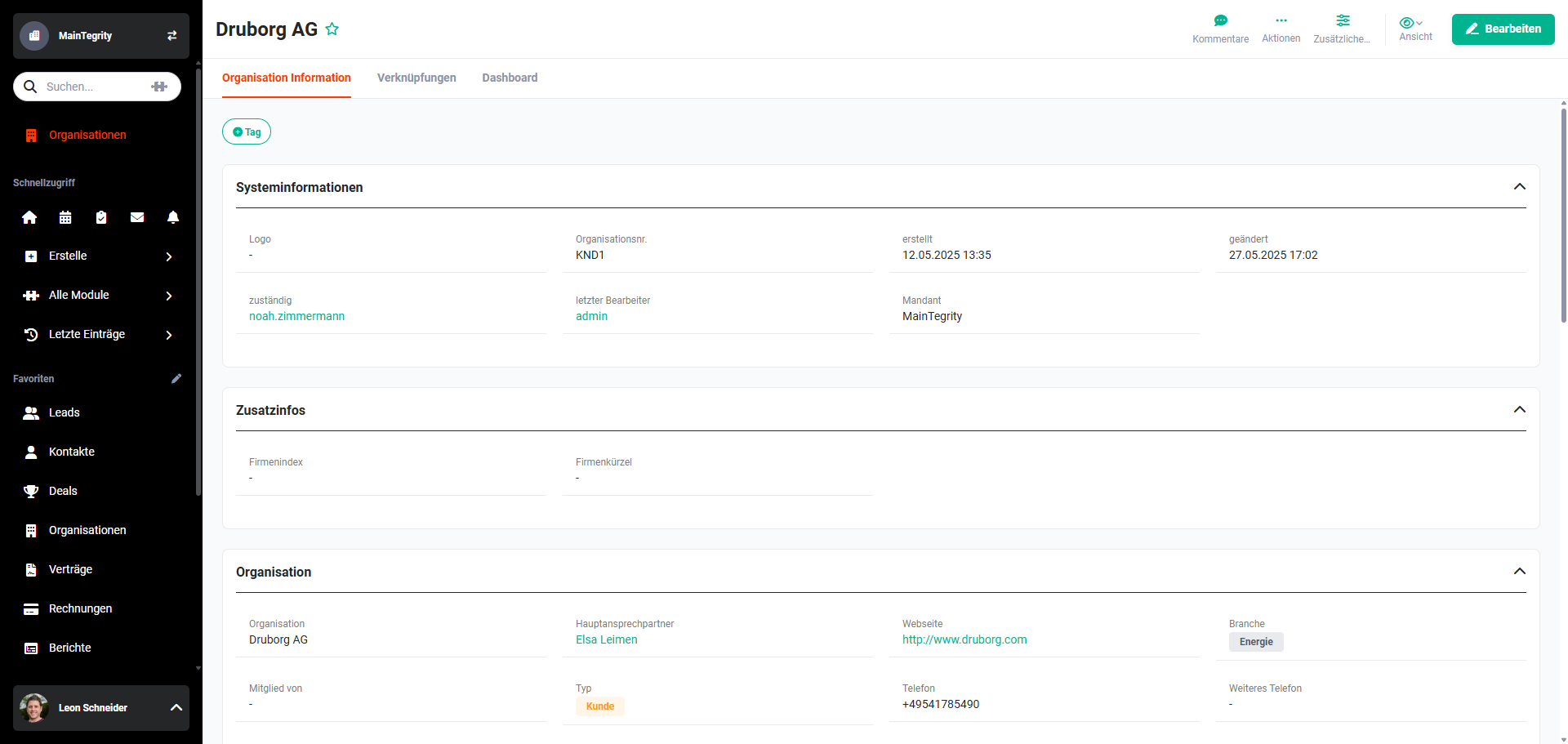 Detail View – Tab Information
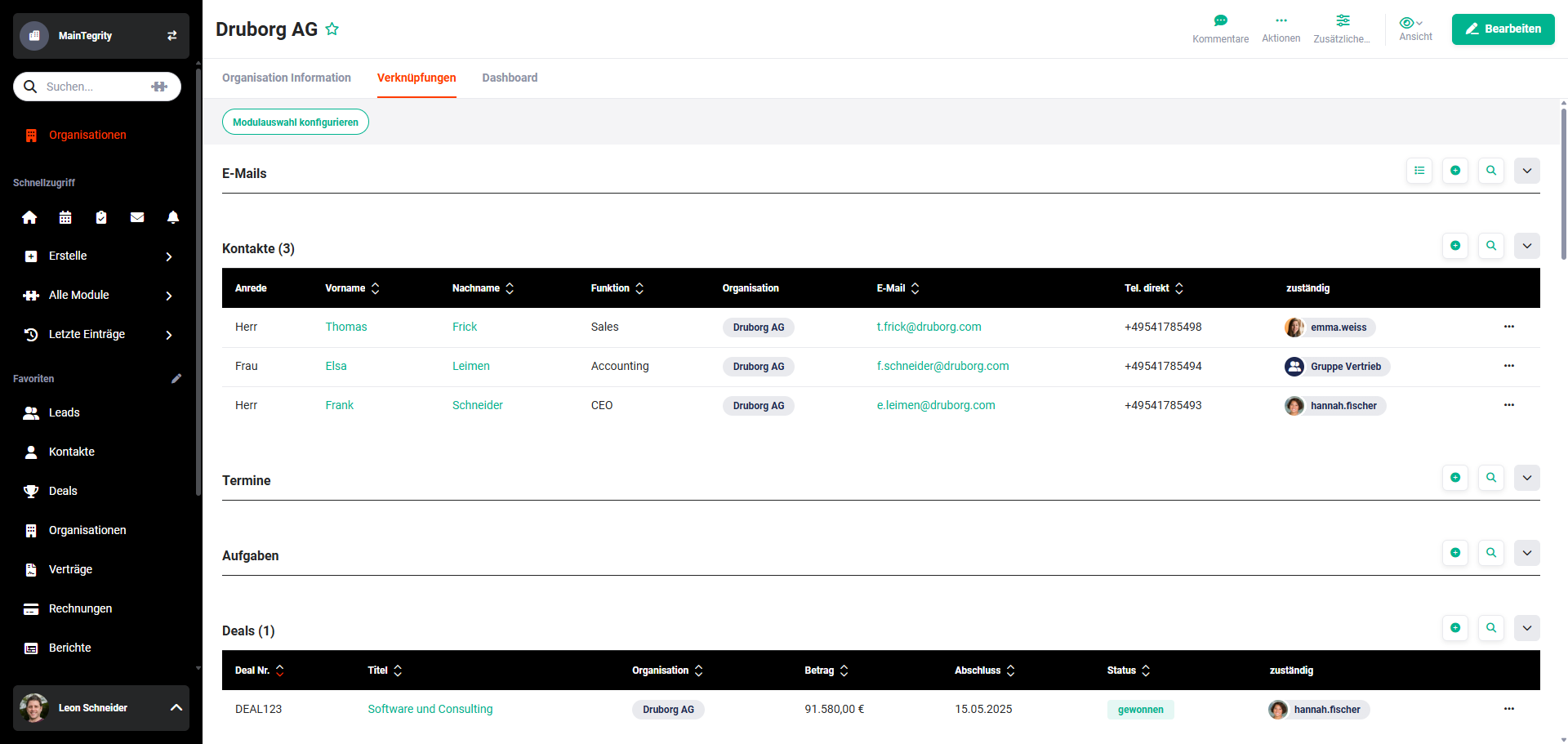 Detail View – Tab Relations
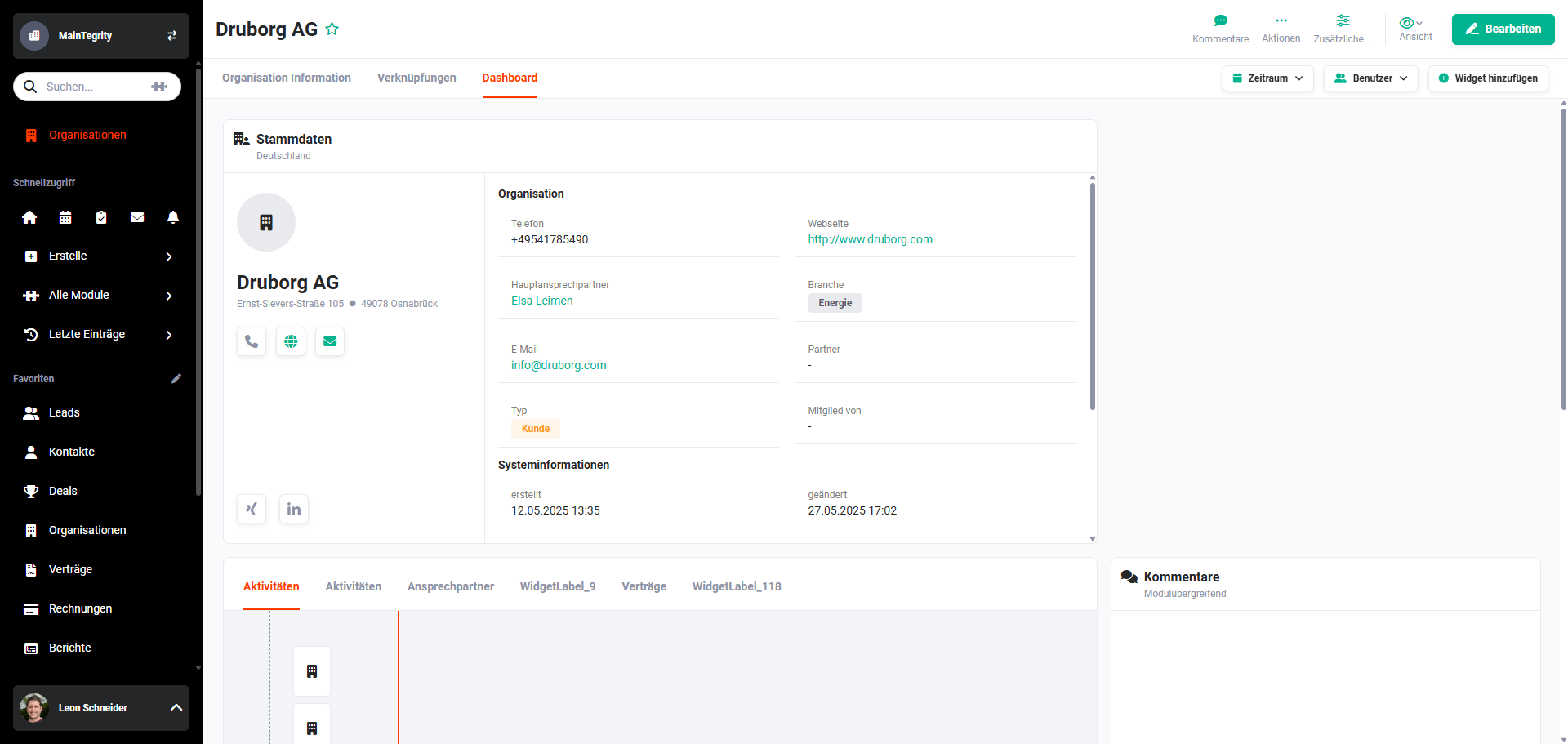 Detail View – Tab Dashboard
2. Functions in the Detail View
The following functions and settings are available in the detail view of a record:
- View (Detail View)
- Comments
- Actions (Detail View)
- Tab Information
- Tab Relations
- Tab Dashboard
- Product Block in Billing Modules
- Text Editor
Note
Detailed information on the individual items can be found in the linked sections of the handbook.
Info
Which functions and settings are available in a detail view depends on the module.
A detailed listing of which functions are available in which module can be found in the Modules section.
Certain actions can also be permitted/disallowed for specific users via the permissions settings. For detailed information, see Global Settings – Users and Permissions.