
Search
Package: BASIC
1. General
In all list views of a module (including the view “All”), a search is available for the currently opened module.
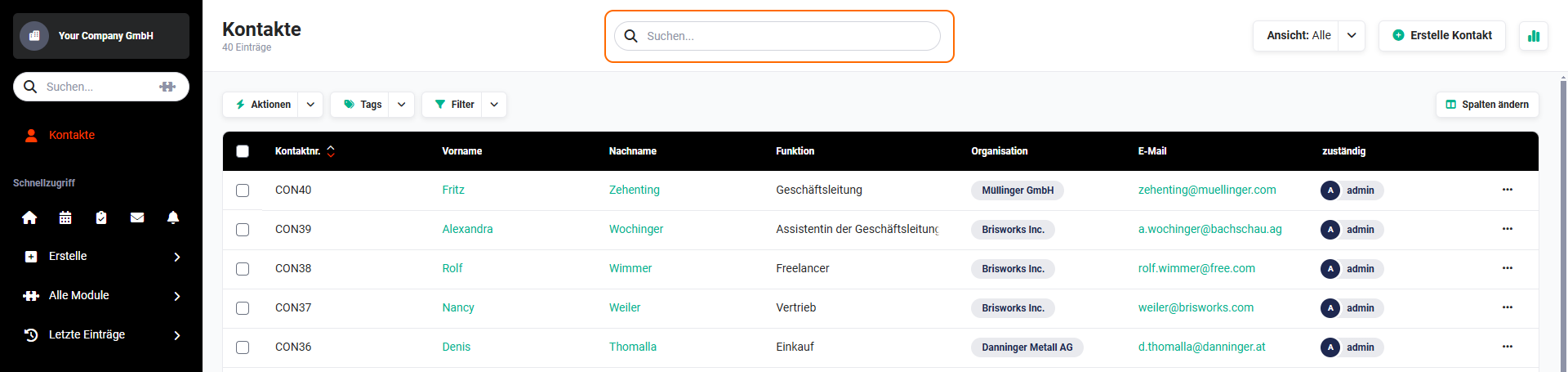 Search in list view
2. Running a search
The search consists of an input field in which the search term can be entered.
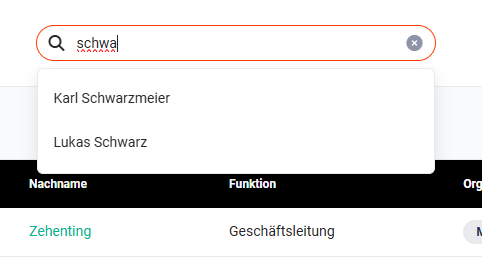 Search input field
The search in the list view has the following properties:
- upper/lower case is ignored
- a search is possible from a character count of one
- all fields displayed in the list view are searched
- from the entry of the third character onwards, matching entries are automatically suggested
- it is not relevant whether the entered search text is located at the beginning of the word or at another position within the matching text
As long as the cursor is still in the input field - i.e. as long as the input field still has focus - the search can be started by pressing the “Enter key”.
After the search has been performed, all found records are displayed in the list view.
The search in the list view remains active until the search is cleared again, or the user logs out! Even after (repeatedly) switching modules, the search is still active when returning to the module in which the search was performed!
To clear the search term or to end the search, two options are available:
- clicking the “x” icon (tooltip “Clear search”) in the search field
- deleting the entry by selecting and removing it, as well as pressing the Enter key
After the search has been cleared, the list view is reloaded.